 EN
 IT
Color Grading
Color Grading v3
See, understand
and transform color
CIELAB, Oklab and CAM16-UCS perceptual spaces, palette extraction and real-time grading: a bridge between the numbers and the way you actually see color.

From Numbers to Perception
From the numbers of color to how you see it
Observe, analyze and transform every tone with color appearance models.
-
Perceptual SpacesVisualizes color distribution in CIELAB, Oklab and CAM16-UCS.
-
Color PaletteExtracts the photo's real palettes, ordered by hue and chroma.
-
Real-Time GradingMulti-point wheel, curves, gradients and 3D LUTs up to 64³.
Discover Every Feature
Three sections, one single workspace
View, Analysis and Grading: every tool in its place in the flow.
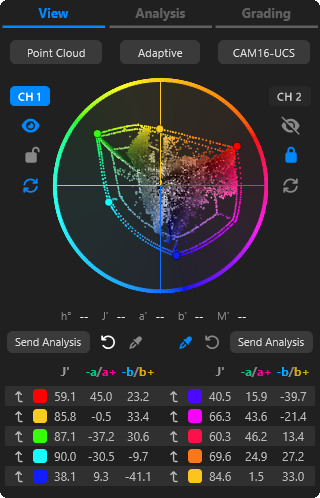
Your image as a cloud of color
Every pixel becomes a point on the a/b chromatic plane: the real color distribution of the photo, not an average.
-
Perceptual spacesSwitch between CIELAB, Oklab and CAM16-UCS to read color the way the eye sees it.
-
a/b chromatic planeShows where the image's hues fall and how saturated they are.
-
Adaptive modeFits the scale to the photo you're developing, instead of a fixed grid.
-
Two independent channelsCH1 and CH2 compare two color distributions side by side.
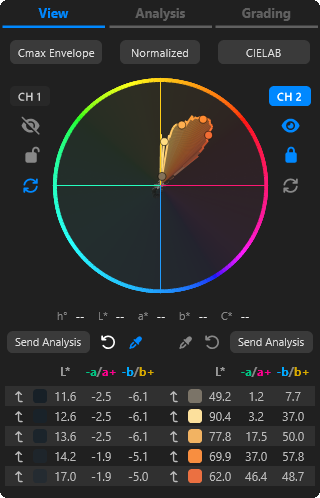
How far color can go
The maximum-chroma envelope draws the edge of the gamut: you see at a glance how much room you have before a hue clips.
-
Maximum-chroma envelopeShows the furthest extent the image's colors can reach.
-
Normalized viewCompares different images on the same scale.
-
CIELAB, Oklab, CAM16-UCSThe same data read through three different perceptual models.
-
Channel comparisonTurn on CH2 to put two distributions side by side.
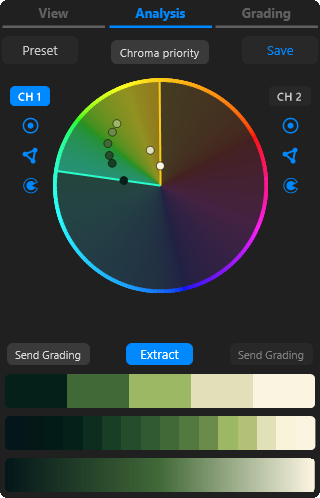
Palettes ordered by chroma
The plugin reads the three-dimensional distribution of colors and extracts palettes giving priority to chroma, not to how often numeric values occur.
-
Automatic extractionOne click on Extract and the photo's palettes are ready.
-
Chroma priorityOrders colors by intensity, not by how many times they appear.
-
Sectors on the wheelShows which parts of the color circle the image actually occupies.
-
Send to gradingSend Grading passes the palette straight to the Grading section.
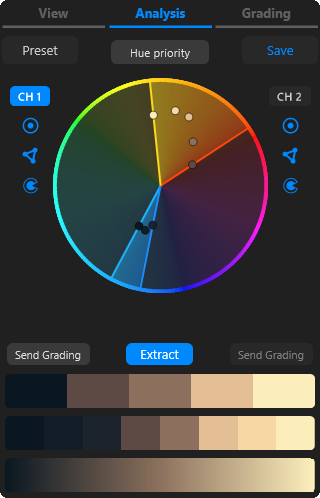
The same palettes, read by hue
Same analysis, different criterion: here hue leads. Two readings of the same image that tell two different stories.
-
Hue priorityGroups colors by color family instead of by intensity.
-
Three-dimensional analysisWorks on the 3D distribution of colors, not on a flat histogram.
-
Instant comparisonSwitch between Chroma and Hue to see how the reading changes.
-
Ready-to-use palettesThe result is usable right away as a grading base.
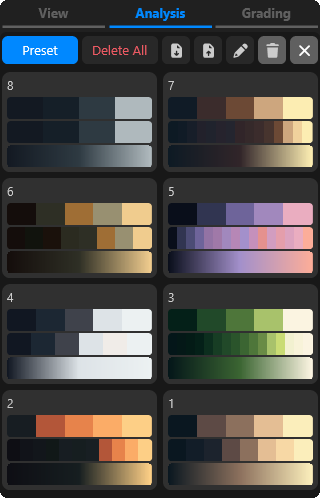
Your palette library
The palettes you need stay one click away, organized and reusable on any image.
-
SavingKeeps extracted palettes and analysis setups.
-
Import and exportMove your palettes to another workstation or share them.
-
Edit and deleteManage the library without leaving the panel.
-
Instant reuseApply a saved palette to a new photo in one click.
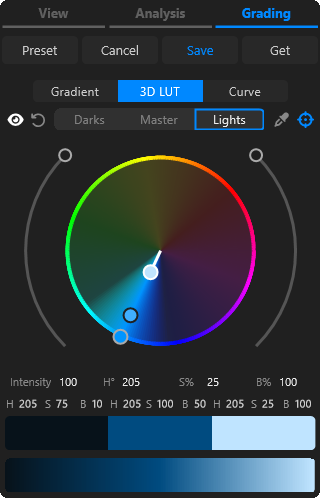
A LUT built on your image
The multi-point color wheel generates a 3D LUT up to 64³ with 32-bit floating-point precision, computed in real time as you move the points.
-
3D LUT up to 64³High resolution and 32-bit floating-point precision.
-
Multi-point wheelSeveral control points on the same wheel, not a single offset.
-
Darks, Master and LightsWorks separately on shadows, overall reference and highlights.
-
Numeric controlIntensity, H°, S% and B% editable field by field.
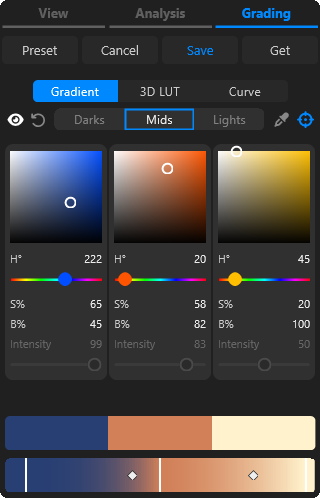
Mapping color with a gradient
Three independent points — shadows, midtones and highlights — each with its own hue, saturation, brightness and intensity.
-
Three independent pointsDarks, Mids and Lights adjustable one by one.
-
Per-point controlH°, S%, B% and intensity separate for each point.
-
Gradient previewThe bar below shows the ramp you're building as you go.
-
Real timeEvery move shows on the image immediately.
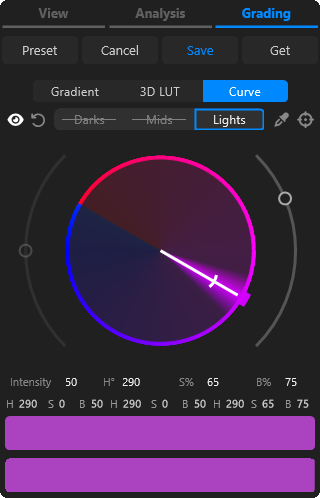
Color mapping through a curve
Mapping runs through a dedicated curve: continuous control over how color transitions across the tonal range.
-
Dedicated curveDefines the color transition point by point.
-
By tonal bandActs on Darks, Mids or Lights independently.
-
Exact valuesIntensity, H°, S% and B% with numeric editing for every field.
-
Saveable as a presetSetups stay available for your next images.
Watch It In Action
Infinite combinations with Color Grading
One Shot, Endless Possibilities
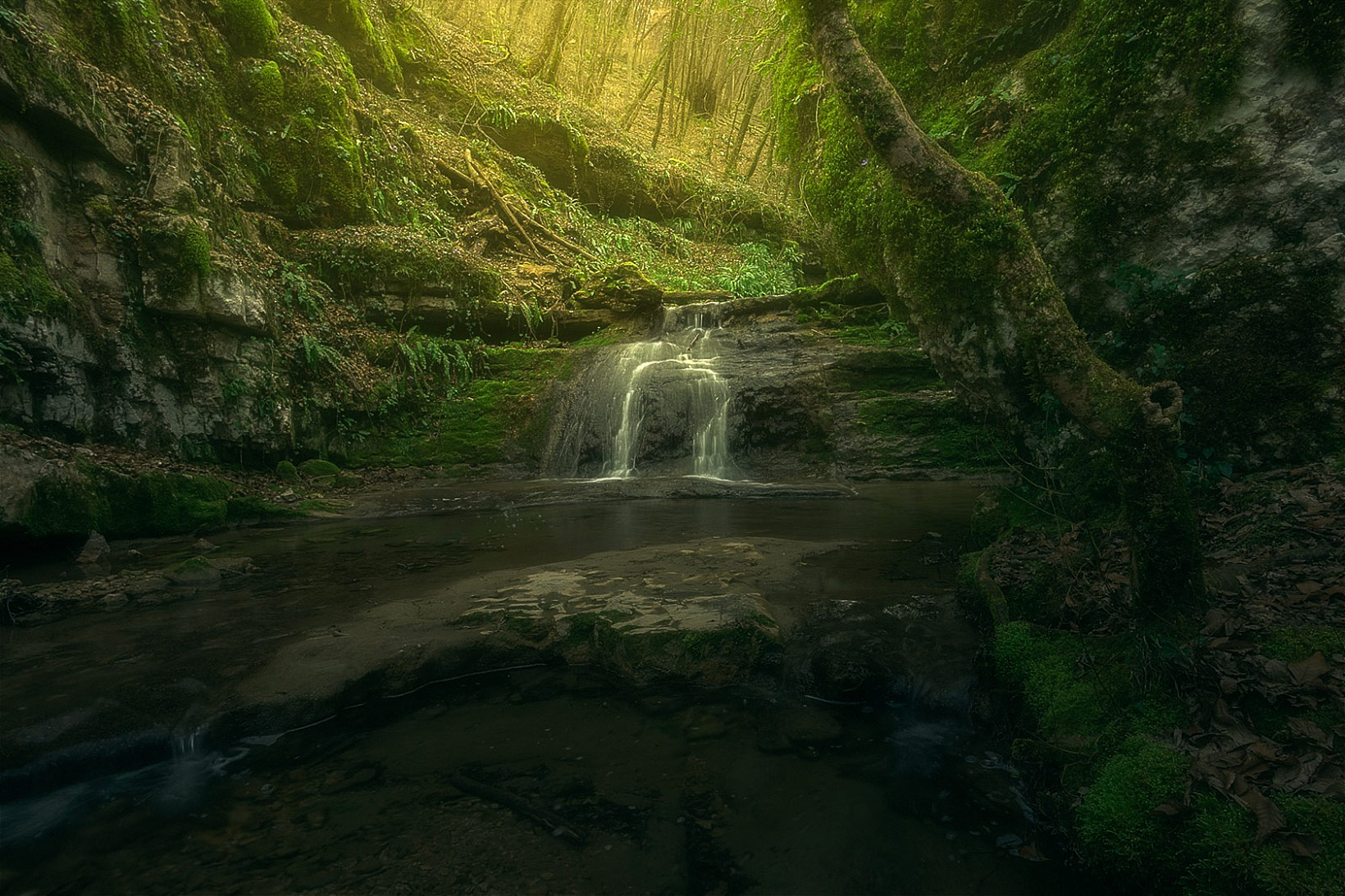
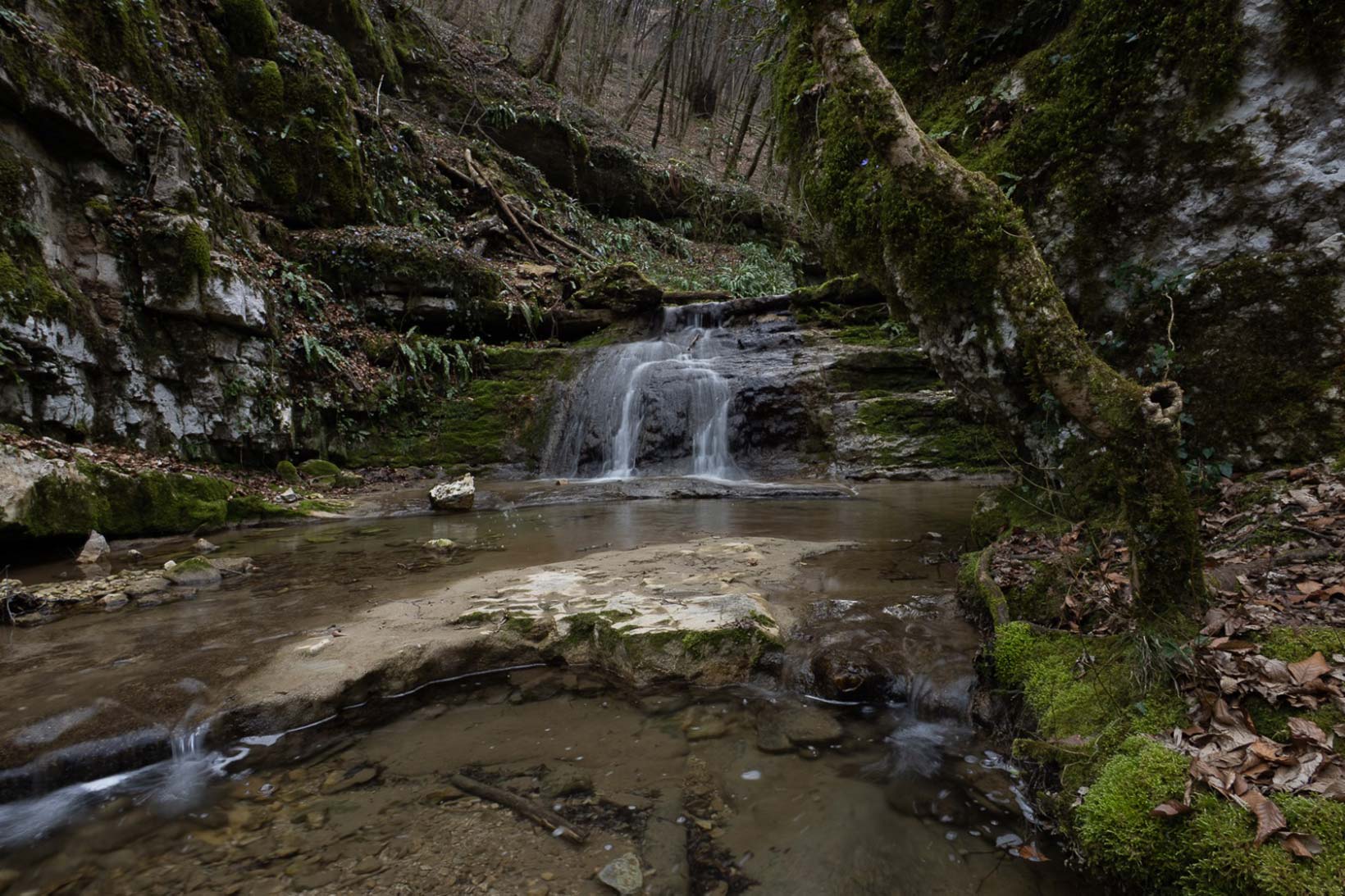
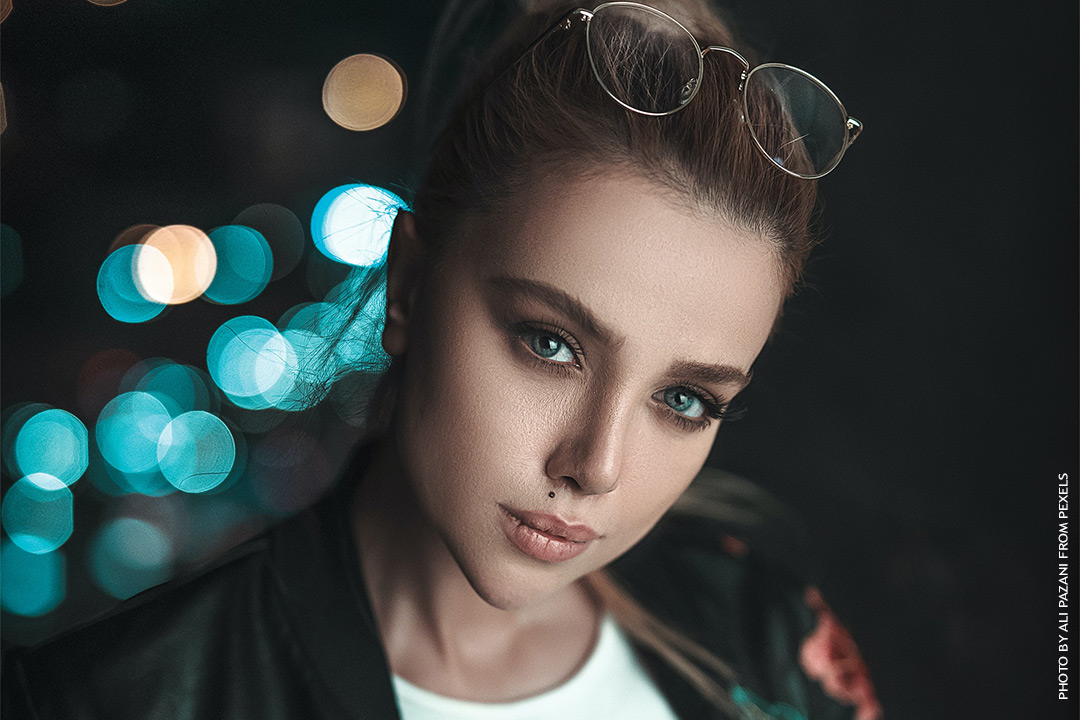
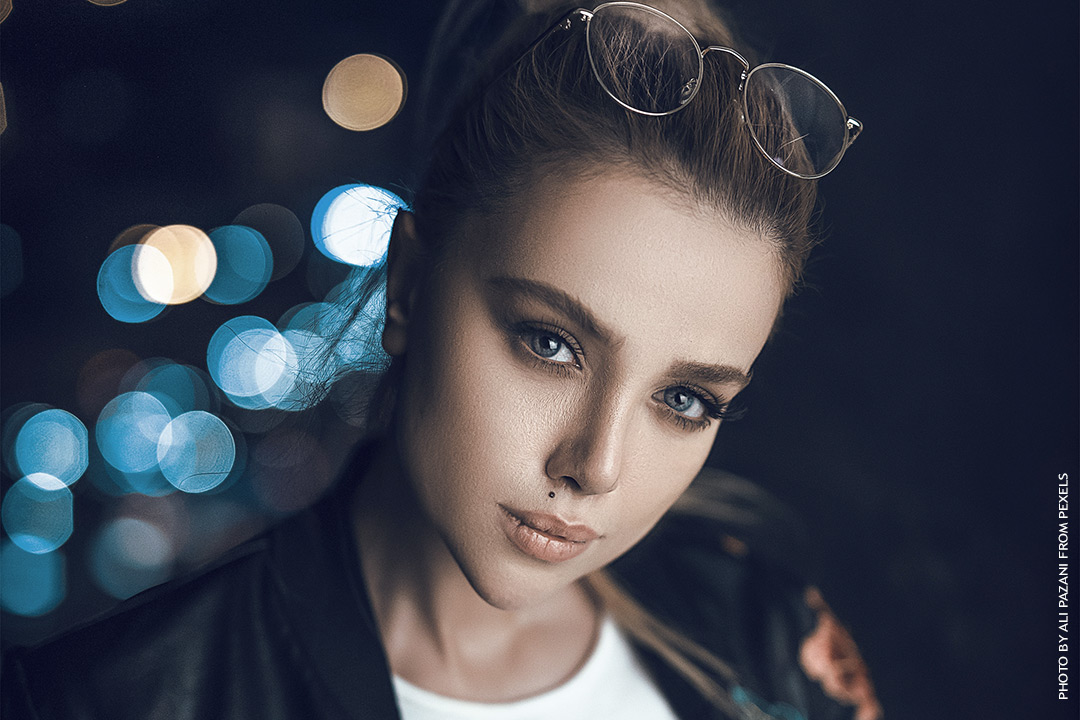
Same photo,
different moods
Endless color grading combinations from the same shot.




No Surprises
No subscription,
yours for good
A single payment and no auto-renewal.